Game Development
Unity vs Unreal Engine: Which One Should You Choose?
Quick Answer
Unity is usually the better choice for mobile, 2D, casual, AR/VR and smaller cross-platform games thanks to its lighter footprint, C# scripting and large asset ecosystem. Unreal Engine is usually better for high-fidelity 3D, PC and console games where cutting-edge graphics matter. Check each engine's current licensing terms before committing.
Introduction
Unity and Unreal Engine are the two most widely used commercial game engines. Both can ship games on mobile, PC and consoles, and both are used by indie developers and large studios.
Their strengths differ, though, and the right choice depends on your game's genre, platforms, visual goals and team.
Graphics and performance
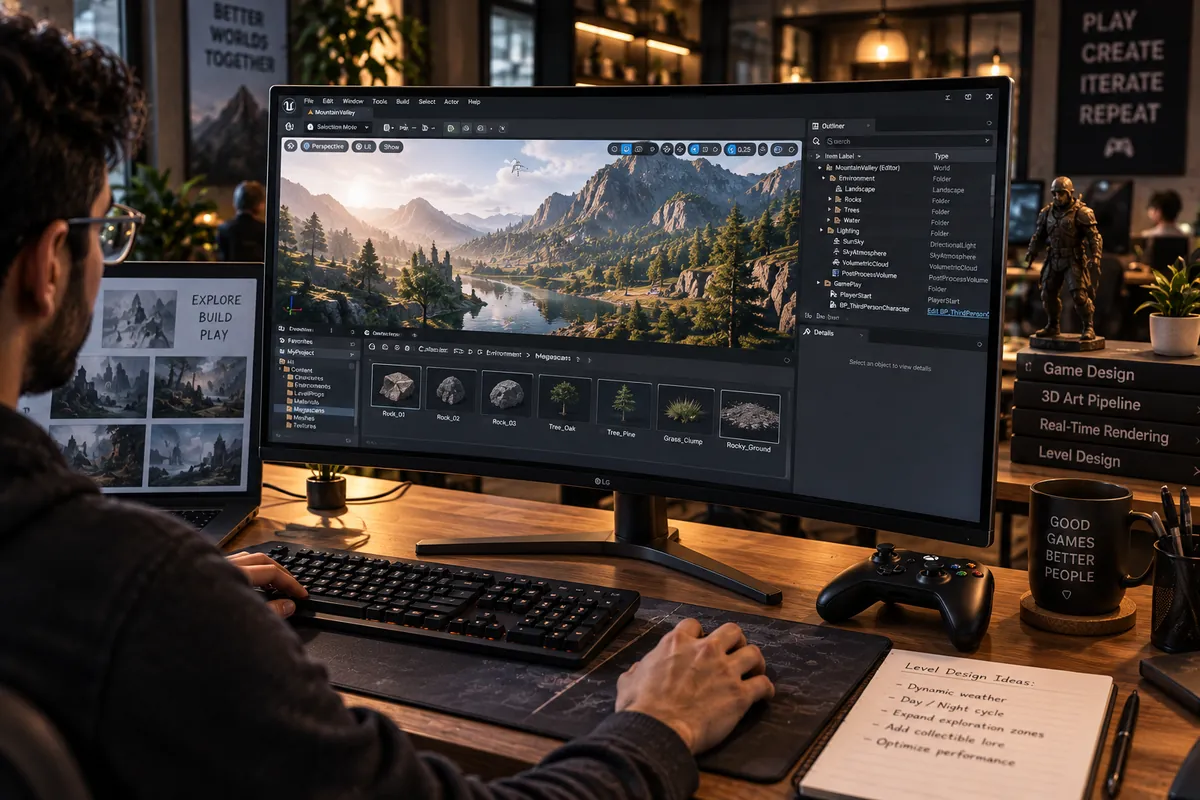
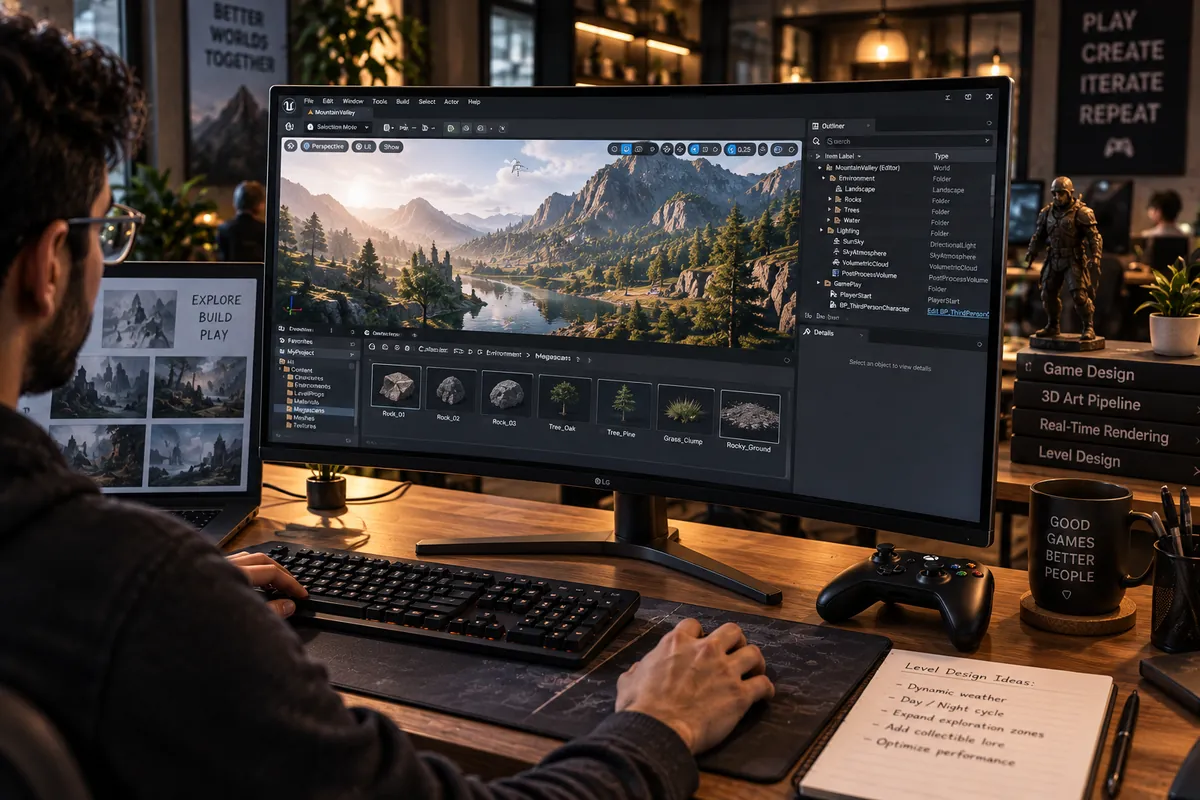
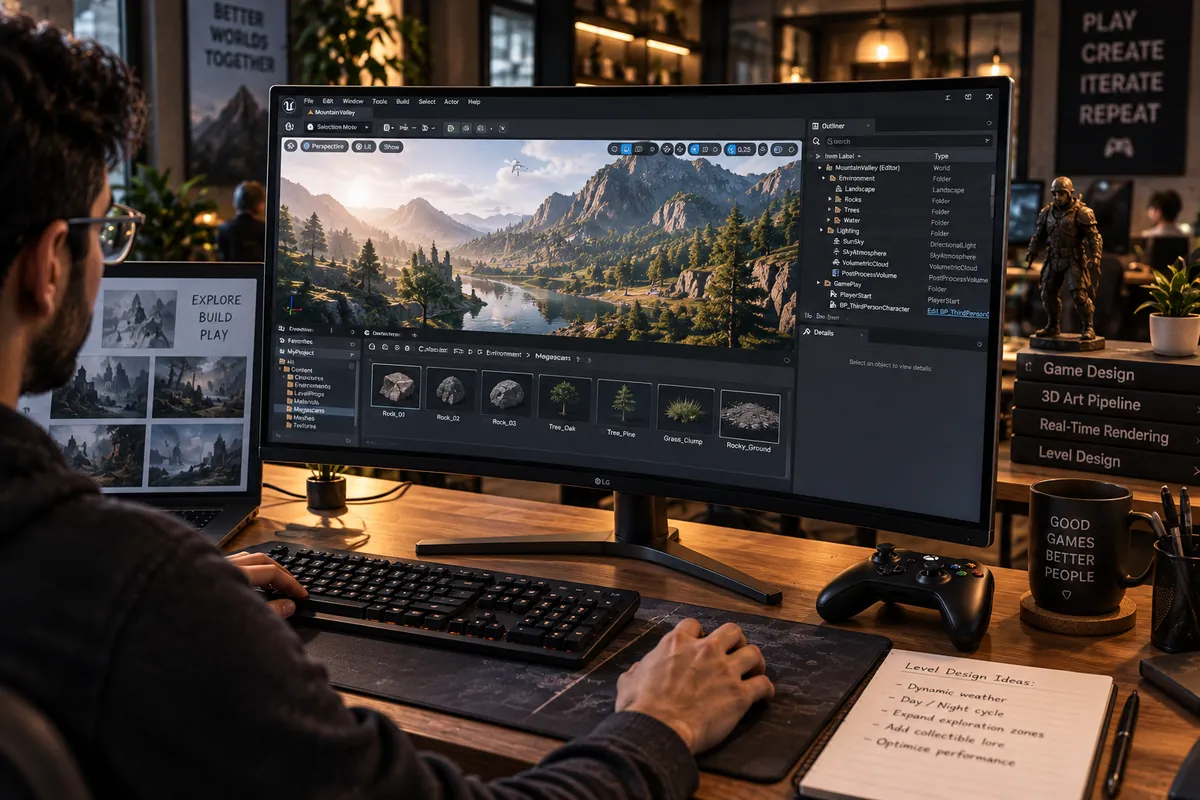
Unreal Engine is known for high-end visuals out of the box, with technologies such as Nanite for detailed geometry and Lumen for dynamic lighting. Unity can also produce strong visuals with its rendering pipelines, and it is lighter and easier to optimise for lower-end mobile devices.
Languages and learning curve
Unity uses C#, which many developers find approachable, and has a very large library of tutorials. Unreal uses C++ along with Blueprints, a visual scripting system that lets designers build logic without code. Unreal's tools are powerful but generally take longer to master.
Platforms and use cases
Unity has long been the most common engine for mobile games and is widely used for AR, VR and interactive business applications. Unreal dominates many high-end PC and console productions and is popular in film, virtual production and architectural visualisation.
Licensing and royalties
Unreal Engine charges a royalty, currently 5 percent of gross revenue after the first 1 million US dollars per product, with exceptions in some cases. Unity uses subscription tiers, with a free Personal plan below a revenue threshold, after it cancelled its planned runtime fee in 2024. Terms change, so always review the current official terms for your project.
How to choose
A practical rule of thumb:
- Mobile, 2D, casual or hyper-casual games: Unity
- AR, VR and gamified business apps: usually Unity
- High-fidelity 3D for PC and console: usually Unreal
- Realistic visualisation and cinematic experiences: Unreal
- Your team's existing expertise: often the deciding factor
Choose the engine from a representative build and current license terms
Prototype the hardest part of the game in each shortlisted engine: a representative scene, target-device performance, asset workflow, input and build pipeline. Include the actual team members who would maintain it. A familiar engine can reduce iteration risk, while a different engine may fit a specific rendering, tooling or platform requirement better.
Review current license eligibility, subscription conditions, royalties, distribution terms and third-party plugin licenses before committing. These terms can change and may depend on how the product is used; do not rely on an old comparison chart. See game cost factors, production stages and Vaqnova’s game development service.
Compare the complete pipeline: editor and build tools, source control, asset creation, testing devices, platform access and long-term hiring. A technically impressive engine is not the right choice if the team cannot deliver and support the game with it.
Summary
Key Takeaways
- Unity suits mobile, 2D, casual and AR/VR projects.
- Unreal suits high-fidelity 3D and PC or console games.
- C# in Unity is approachable; Unreal pairs C++ with visual Blueprints.
- Review current licensing terms for your expected revenue.
Unity vs Unreal Engine
| Factor | Unity | Unreal Engine |
|---|---|---|
| Scripting | C# | C++ and Blueprints |
| Graphics | Strong, scalable | High-end by default |
| Mobile performance | Excellent | Good, needs more optimisation |
| Learning curve | Gentler | Steeper |
| Licensing | Subscription tiers | Royalty above a revenue threshold |
| Best for | Mobile, 2D, AR/VR, casual | AAA-style 3D, PC and console |
Pitfalls
Common Mistakes to Avoid
- Choosing Unreal for a simple mobile game and struggling with performance.
- Choosing an engine the team has no experience with under a tight deadline.
- Ignoring licensing terms until launch.
- Relying on unmaintained asset store plugins for core features.
FAQ
Frequently Asked Questions
Which engine is better for beginners?
Unity is often considered easier to start with because of C# and abundant tutorials, though Unreal's Blueprints let non-programmers build prototypes quickly.
Can Unreal Engine make mobile games?
Yes, and some successful mobile games use it. It typically needs more optimisation work for lower-end devices than Unity.
Is Unity still free?
Unity offers a free Personal plan for individuals and small companies below a revenue threshold. Check Unity's current plans for exact limits.
What about Godot?
Godot is a free, open-source engine that is increasingly popular for 2D and smaller 3D games. It is worth considering for projects that suit its feature set.
Wrap-up
Final Thoughts
Both engines are excellent. Pick Unity for mobile, 2D and interactive apps, Unreal for high-end 3D, and let your team's expertise and the current licensing terms confirm the decision.
References
Sources
Let's talk
Build Your Next Digital Product
Vaqnova develops games and interactive experiences in Unity and Unreal and can recommend the right engine for your project.
Talk to Our Team