SaaS
What is SaaS? Everything Business Owners Need to Know

Quick Answer
SaaS (software as a service) is software you access over the internet on a subscription instead of installing and maintaining it yourself. The provider hosts, updates and secures it, and you pay per user, per usage or per plan. Gmail, Zoho, Salesforce and Shopify are familiar examples.
Introduction
Most software businesses use today is SaaS: accounting, CRM, email, project management, payroll and e-commerce platforms all run in the browser on a subscription.
For business owners, SaaS matters in two ways: as a buyer choosing tools, and potentially as a founder building a SaaS product. This guide covers both.
How SaaS works
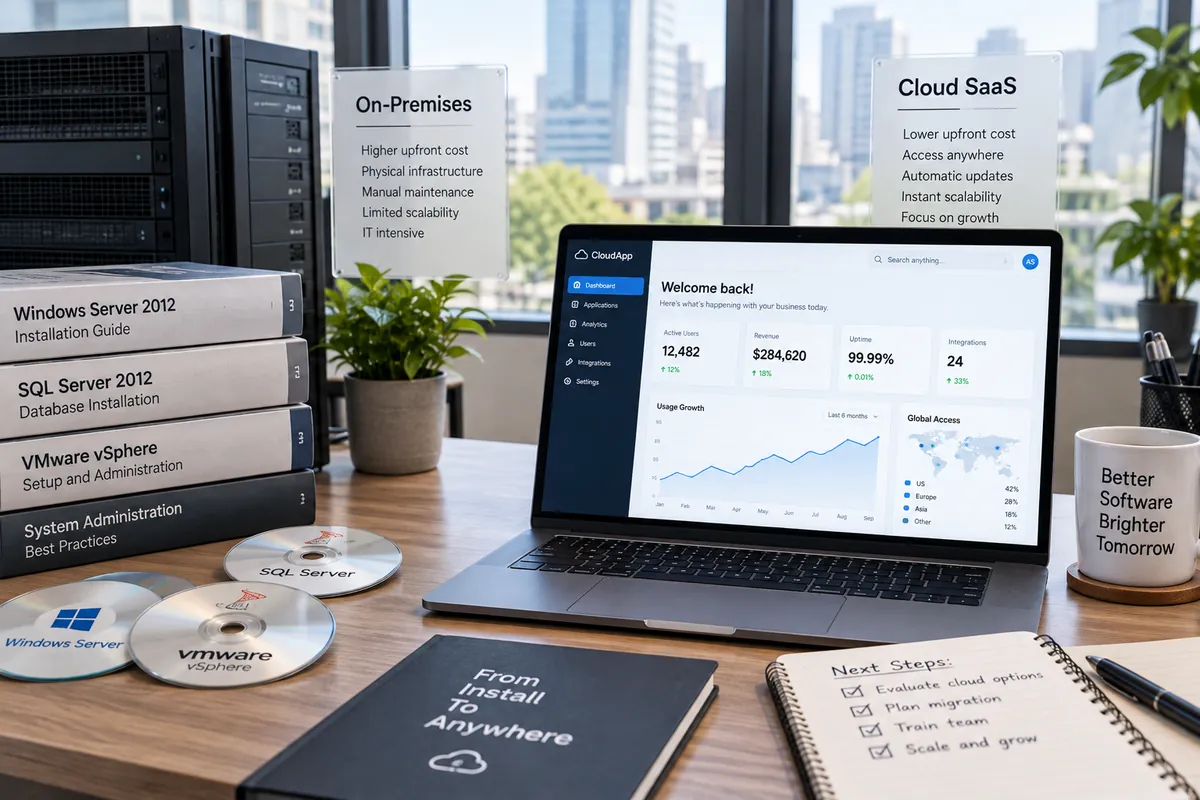
The provider runs one application in the cloud and serves many customers, called tenants, from it. Each customer's data is kept separate, everyone gets updates at the same time, and users sign in through a browser or app. The provider handles hosting, backups, security and maintenance.
Benefits for businesses
SaaS became the default for good reasons:
- Low upfront cost and predictable monthly or annual pricing
- Fast setup with no servers to buy or manage
- Automatic updates and new features
- Access from anywhere on any device
- Scales easily as you add users
Risks and trade-offs
You depend on the provider's roadmap, uptime and pricing decisions. Data lives on their infrastructure, so check where it is stored, how it is protected and how you can export it. Per-user pricing can become expensive as teams grow, and customisation is limited to what the product allows.
Common SaaS pricing models
Pricing is usually per user per month, tiered plans with feature limits, usage-based pricing such as per transaction or per API call, or a freemium model with paid upgrades. Annual plans typically offer a discount over monthly billing.
What to check before buying
Evaluate SaaS tools on more than features:
- Data location, security certifications and compliance with Indian data protection rules
- Data export options and what happens if you cancel
- Integrations with your existing tools
- Uptime commitments and support quality
- Total cost as your team grows over three years
Assess a SaaS product as a service you must operate
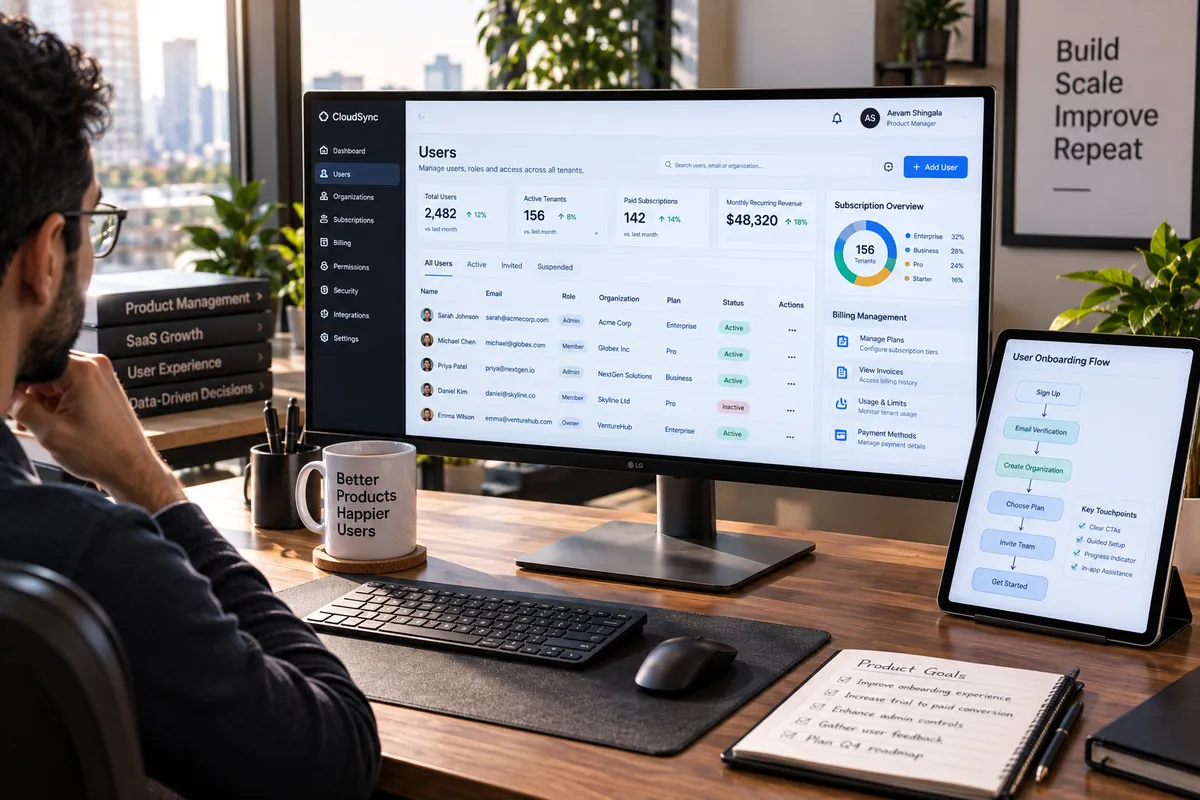
A SaaS product includes more than a web interface: identity, tenant data, subscription state, support, backups, monitoring and a release process all affect the customer’s experience. Before building, define who the product serves, which job it handles and what a customer must be able to do when the service is unavailable.
Choose a tenant model deliberately and test that one customer cannot access another’s records through APIs, exports or background jobs. Map the SaaS development process, compare SaaS with traditional software and review Vaqnova’s SaaS project service.
A hosted subscription can simplify deployment for customers but transfers ongoing operational responsibility to the provider. Document service boundaries, data export, incident communication and account cancellation before treating the product as ready to sell.
Summary
Key Takeaways
- SaaS is subscription software hosted and maintained by the provider.
- It offers low upfront cost, fast setup and automatic updates.
- Check data location, export options and long-term pricing before committing.
- SaaS is also a strong business model for founders with a repeatable software solution.
Pitfalls
Common Mistakes to Avoid
- Buying overlapping tools across departments.
- Ignoring how to export data before signing up.
- Underestimating per-user costs at scale.
- Not reviewing unused subscriptions regularly.
FAQ
Frequently Asked Questions
Is SaaS the same as cloud computing?
SaaS is one type of cloud computing. Cloud also includes infrastructure (IaaS) and platforms (PaaS) that developers use to build and run software.
Is SaaS secure?
Reputable providers invest heavily in security, but you remain responsible for user access, passwords and multi-factor authentication. Review the provider's certifications and policies.
Can I customise SaaS software?
Within limits: settings, workflows, fields and integrations. Deep customisation usually requires custom software or a platform designed for extensions.
Should I build my own SaaS product?
Consider it if you have a problem many businesses share, a clear way to reach them, and a solution they would pay for monthly. Validate demand before building.
Wrap-up
Final Thoughts
SaaS gives businesses powerful software without the burden of running it. Choose tools carefully, keep control of your data, and if you see a recurring problem in your industry, SaaS may also be a business worth building.
References
Sources
Let's talk
Build Your Next Digital Product
Planning a SaaS product? Vaqnova can help you validate, design and build it with a scalable, secure architecture.
Talk to Our Team