Custom Software
What is Custom Software Development and Why Does Your Business Need It?

Quick Answer
Custom software is built specifically for one organisation's processes instead of being bought off the shelf. A business needs it when off-the-shelf tools force costly workarounds, cannot integrate with its other systems, or when the way it operates is a competitive advantage worth encoding in software.
Introduction
Every business runs on software, but most of it was designed for the average company. That works until your processes stop fitting: staff copy data between tools, spreadsheets fill the gaps and reports take days to assemble.
Custom software closes those gaps. This guide explains what it is, when it is worth the investment, and how a well-run project works.
Custom software vs off-the-shelf
Off-the-shelf products such as accounting packages, CRMs and project tools are quick to adopt and cheap to start. You adapt your process to the product. Custom software is designed around your process, owned by you and extended as you grow.
Many businesses use both: standard products for commodity functions such as accounting and email, and custom software for the workflows that make them different, like a pricing engine, a dispatch system or a dealer portal.
Signs you need custom software
Consider a custom build when several of these are true:
- Staff spend hours each week re-entering data between systems
- Critical processes run on spreadsheets that only one person understands
- Off-the-shelf tools need expensive add-ons and still do not fit
- You cannot get timely reports without manual work
- Licence costs grow with every new user while value does not
- Your way of working is a competitive advantage you want to protect
Common types of custom software
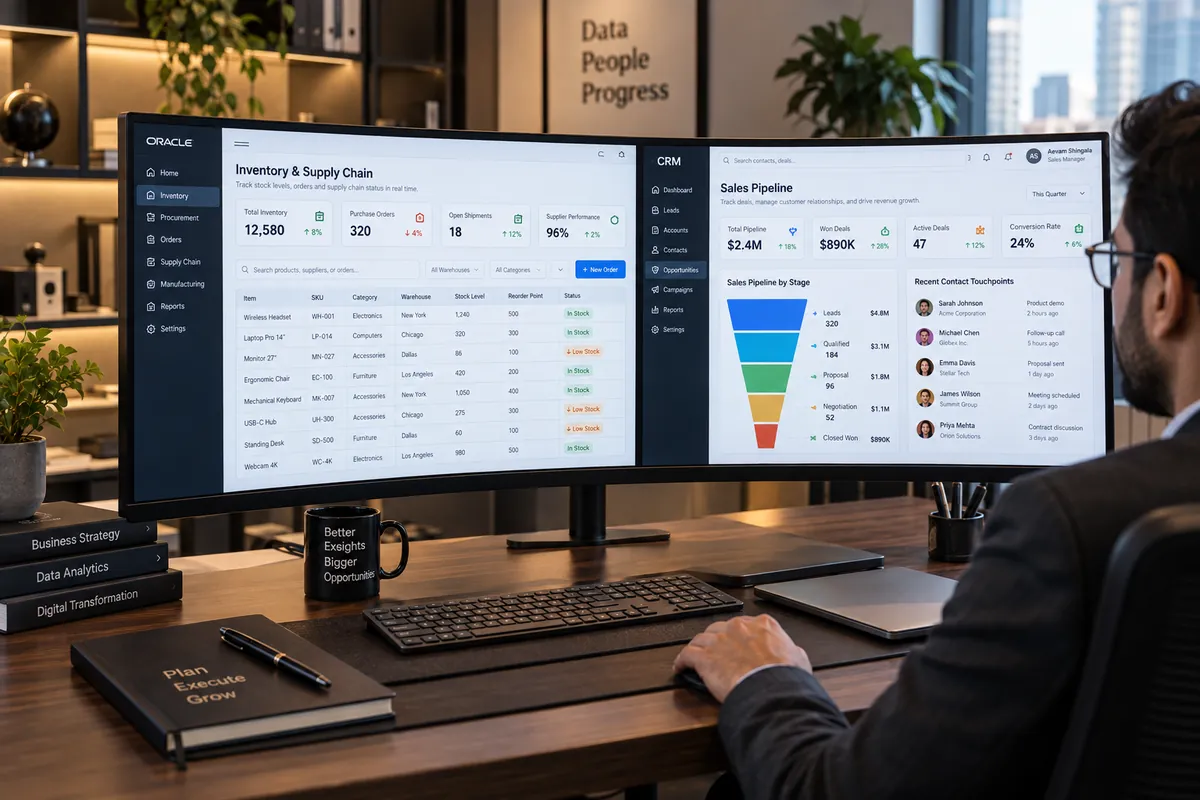
Typical projects include internal operations dashboards, inventory and order management, field service and dispatch tools, customer and dealer portals, quotation and pricing engines, approval workflows, reporting systems and integration layers that connect existing tools.
How a custom software project works
A disciplined project usually follows these stages:
- Discovery: map current processes, pain points, users and data flows.
- Specification: agree features, priorities and acceptance criteria.
- Design: wireframes and prototypes tested with real users.
- Build in milestones: working software reviewed every two to three weeks.
- Testing and rollout: data migration, training and a phased launch.
- Support and iteration: fixes, improvements and new features over time.
Costs and return on investment
Custom software costs more upfront than a subscription, but it removes licence fees per user, eliminates manual work and gives you an asset you own. To judge return, estimate the hours saved each month, errors avoided and revenue enabled, and compare them with the build and maintenance cost over three to five years.
A build, buy or integrate decision
Map the process before choosing a tool. Write the trigger, people involved, information each step needs, decisions made, exceptions and final record. Then test standard software against that map. A small gap may be solved by configuration or an integration; a repeated gap in a business-critical workflow may justify a custom component. This staged choice avoids treating “custom” and “off the shelf” as the only two options.
Estimate ownership over the period you expect to use the system: subscriptions, implementation, internal administration, migration, support and future changes. Include the cost of workarounds and errors, but do not assume a build will automatically save money. Define an exit plan too: data export, account ownership, documentation and a maintainer. Compare these questions with Vaqnova’s custom software service and its guides to automation opportunities and ERP vs CRM.
A sensible first milestone is a small working slice around one high-friction workflow. Ask real users to complete it with realistic data, review failure cases and decide whether to extend, integrate or stop. The trade-off is that a focused pilot does not prove every future requirement; it does make assumptions visible before they become a large system commitment.
Summary
Key Takeaways
- Custom software fits your process; off-the-shelf tools make you fit theirs.
- It pays off when manual work, workarounds or licence costs keep growing.
- Combine standard tools for commodity functions with custom software for what makes you different.
- Milestone-based delivery keeps the project visible and controllable.
Pitfalls
Common Mistakes to Avoid
- Building custom software for functions a standard product handles well.
- Skipping discovery and automating a broken process.
- Not owning the source code and infrastructure accounts.
- Ignoring training and data migration in the plan.
FAQ
Frequently Asked Questions
How long does custom software take to build?
A focused internal tool can be ready in 6 to 12 weeks. Larger systems with many modules and integrations are usually delivered in phases over several months.
Who owns custom software?
You should. Make sure your contract assigns ownership of the source code, designs and data to your company, and that infrastructure accounts are in your name.
Can custom software integrate with Tally, Zoho or other tools?
Usually yes, through APIs, data exports or connectors. Integration is often one of the main reasons to build custom software in the first place.
Is custom software only for large companies?
No. Small and mid-sized businesses often benefit most, because a single well-targeted tool can remove a large share of their manual work.
Wrap-up
Final Thoughts
Custom software is not about building everything yourself. It is about encoding the processes that matter most to your business into reliable software you own, and connecting it to the standard tools you already use.
References
Sources
Let's talk
Build Your Next Digital Product
Vaqnova can map your processes and show where custom software would save the most time, with a phased plan and estimate.
Talk to Our Team