Custom Software
Signs Your Business Has Outgrown Excel Spreadsheets
Quick Answer
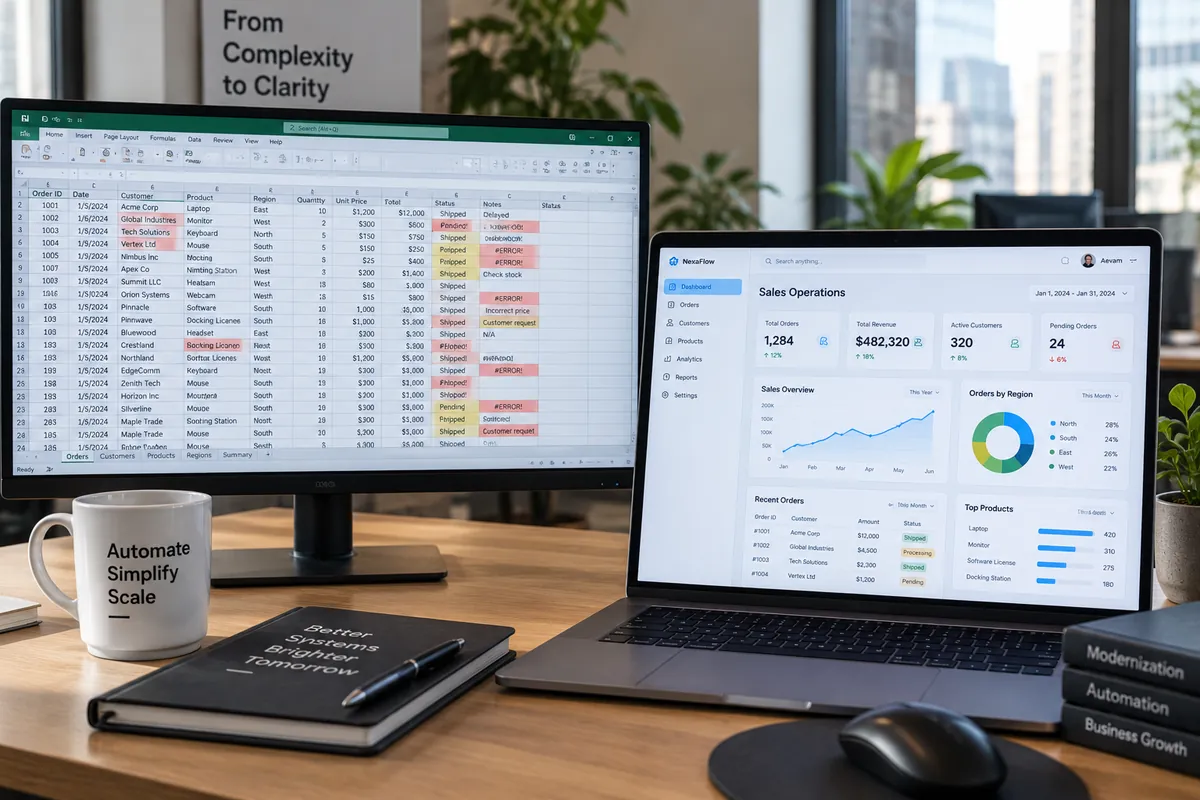
You have outgrown spreadsheets when several people edit the same files, version confusion causes errors, reports take hours to assemble, data lives in many disconnected sheets, and nobody can see real-time status. At that point a database-backed system with proper access control is cheaper than the hidden cost of manual work.
Introduction
Spreadsheets are where most businesses start, and for good reason: they are flexible, familiar and free. The trouble is that a tool designed for analysis slowly turns into the system that runs orders, inventory, payroll or projects.
Here are the signs that your spreadsheets have become a bottleneck, and how to move on safely.
Nine signs you have outgrown spreadsheets
If three or more of these sound familiar, it is time to plan a change:
- Files named final, final-v2 and final-latest circulate by email or WhatsApp
- Two people overwrite each other's changes
- A wrong formula or pasted value has caused a real business error
- Monthly reports take hours or days to compile
- The same data is typed into several sheets
- Only one person understands how the workbook works
- Files are slow or crash because of their size
- You cannot control who sees or edits sensitive data
- Managers cannot see live status without asking someone
What to replace spreadsheets with
Options range from standard products such as an inventory, CRM or project tool, through low-code platforms for simple internal apps, to custom software when processes are specific or need integration. The right choice depends on how unique your process is and how many systems it must connect to.
How to migrate without disruption
A safe transition follows a clear sequence:
- Document how the current spreadsheets are actually used, including hidden manual steps.
- Clean the data: remove duplicates, fix formats and agree definitions.
- Start with the process that causes the most pain, not everything at once.
- Run the new system in parallel for a short period to build confidence.
- Keep exports and reports so finance and management can still analyse data in Excel.
Replace a spreadsheet only after mapping its job
A spreadsheet is not automatically a problem. It may be a useful flexible tool for analysis or a small, low-risk register. Risk grows when multiple people depend on one file for operational decisions, formulas are opaque, updates conflict, access is broad or a single person knows how it works. List the workbook’s users, inputs, outputs, formulas, external links and backup process before proposing a replacement.
Separate the work into three groups: analysis that remains in a spreadsheet, repeatable tasks that an existing product can handle, and business rules that need a managed application or integration. For example, the team may keep exploratory reporting while moving shared inventory updates to a system with roles and history. Review custom software fit, automation candidates and Vaqnova’s custom software service.
Pilot the new process with a copy of real data, reconcile totals with the workbook and train the people who maintain the records. Keep a controlled rollback period, then stop parallel editing once the new source of truth is accepted. Migration can reveal inconsistent data; cleaning it is real project work, not an optional finishing touch.
Summary
Key Takeaways
- Spreadsheets are great for analysis but weak as multi-user operational systems.
- Version conflicts, manual reporting and key-person dependency are clear warning signs.
- Calculate the hidden cost in staff hours and errors.
- Migrate one process at a time, with clean data and a parallel run.
Pitfalls
Common Mistakes to Avoid
- Recreating the spreadsheet exactly in new software instead of improving the process.
- Migrating dirty data and blaming the new system for errors.
- Removing Excel exports that finance teams rely on.
- Trying to replace every spreadsheet in one big project.
FAQ
Frequently Asked Questions
Is Google Sheets better than Excel for a growing team?
Shared editing helps, but it does not solve the core problems of weak validation, access control and data relationships. It can buy time, not replace a proper system.
Can we keep using Excel for reports?
Yes. A good system lets you export data or connect Excel and BI tools directly, so analysis stays familiar while the operational data lives in a database.
How long does it take to replace spreadsheets?
Replacing one core process, such as inventory or order tracking, usually takes a few weeks to a couple of months, including data cleanup and training.
Should we build or buy?
Buy when a standard product fits your process closely. Build when the process is specific to your business or must integrate with several other systems.
Wrap-up
Final Thoughts
Outgrowing spreadsheets is a sign of growth, not failure. Moving the processes that run your business into a proper system reduces errors, saves hours every week and gives everyone the same live picture.
References
Sources
Let's talk
Build Your Next Digital Product
Vaqnova can review your spreadsheets and recommend the simplest system that replaces them, from a standard tool to a custom application.
Talk to Our Team