Web Development
How a Fast Website Improves SEO and Sales
Quick Answer
A faster website can make pages easier to use, especially on mobile, and helps you meet Google’s page experience guidance. Speed alone does not guarantee better rankings or sales: useful content, a relevant offer and a working conversion path still matter. Measure real-user experience, find the bottleneck and test one change at a time.
Introduction
Imagine a customer taps a product or service link while travelling on a patchy mobile connection. If the page shifts under their finger or the main content appears late, they may leave before seeing what you offer. That is a usability problem even before anyone discusses rankings.
This guide explains what website speed can and cannot do for SEO and sales, how to measure it and how to prioritize fixes without chasing a perfect lab score.
What site speed means to a visitor
Speed is not one stopwatch number. A visitor cares when the main content appears, whether the page responds when tapped and whether the layout stays put. A technically quick first paint can still feel poor if a large banner arrives late or a third-party script blocks a form.
Consider a service page with an oversized image and several tracking scripts. Compressing the image and delaying nonessential scripts may make the key message and enquiry action available sooner. The improvement depends on the user’s device, network and the actual page, so measure after each change.
Core Web Vitals to monitor
Google’s Web Vitals guidance defines three current Core Web Vitals: LCP for loading, INP for responsiveness and CLS for visual stability. The good thresholds are LCP within 2.5 seconds, INP at 200 milliseconds or less, and CLS at 0.1 or less, evaluated at the 75th percentile and separately for mobile and desktop.
These values help teams discuss experience with shared measures. They are not a guarantee that any page will rank first, and a score does not reveal every content or conversion problem. Use them alongside user feedback and business analytics.
How performance relates to search
Google says page experience is considered by its ranking systems, but there is no single page experience signal that overrides relevant content. A useful page that answers the query still needs to be crawlable and technically sound. Improving speed is a way to remove friction, not a shortcut around relevance.
Avoid promising a ranking jump from a performance change. Record the pages and queries affected, the change made and the dates, then observe search and conversion data over time. Seasonal demand and other site changes can influence the same measures.
How speed can affect a sales journey
A slow or unstable page can interrupt a decision: a visitor may not see a product image, open a menu or submit a form. Faster response can make the journey feel more reliable, but the offer, price, trust evidence and clarity still determine whether someone wants to act.
Track meaningful actions such as completed enquiries and calls alongside performance. If pages meet the thresholds but visitors still abandon a form, investigate the form questions and next-step messaging rather than continuing to optimize a score that is no longer the limiting factor.
Measure before choosing a fix
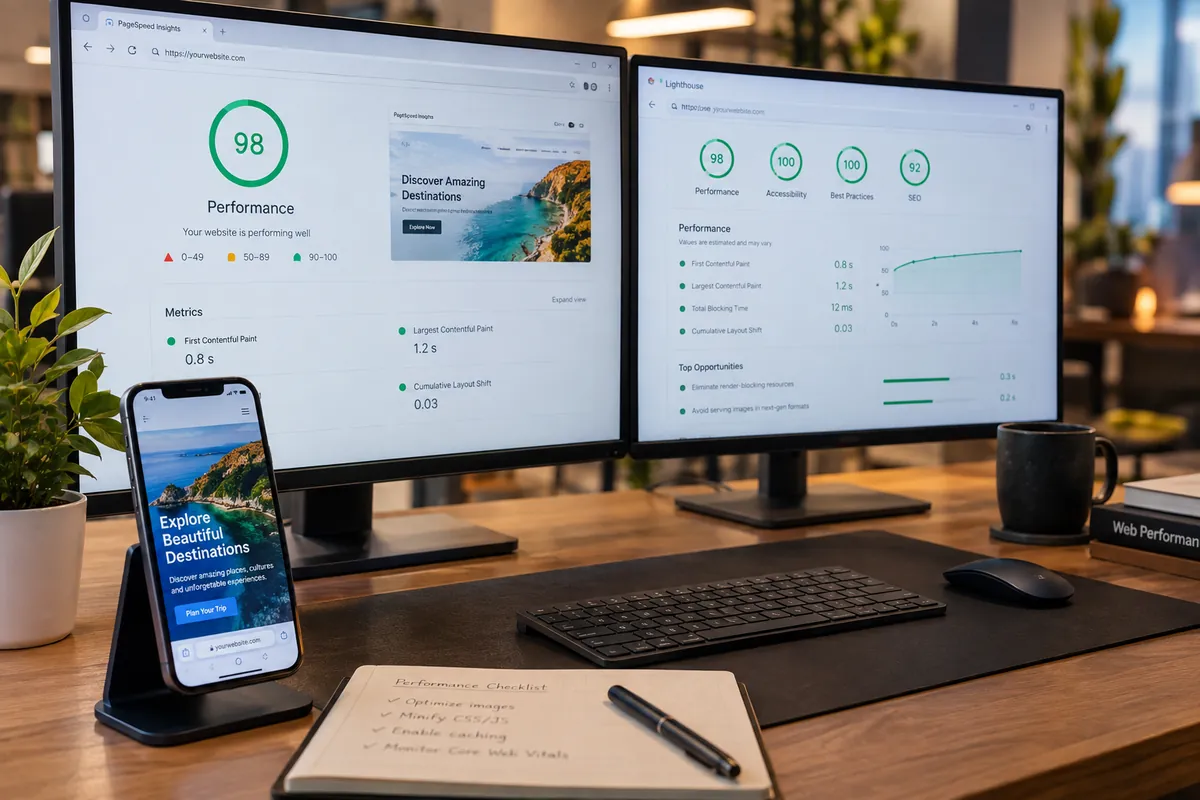
Use field data from tools such as Search Console or PageSpeed Insights to see how actual visitors experience a page. Use lab tools during development to reproduce and diagnose issues. Google notes that lab and field data answer different questions; a simulated test cannot represent every device, connection and interaction.
Start with important templates: home, service, product and lead forms. Compare mobile and desktop, then look for recurring causes such as large images, render-blocking resources, expensive scripts, unstable embeds or slow server responses.
Prioritize fixes by impact and risk
A useful order is to remove oversized media, reserve layout space for images and embeds, reduce unnecessary JavaScript, cache repeat resources and investigate slow server responses. Choose a fix that addresses the measured cause rather than applying a generic optimization list to every page.
After each change, recheck the same page and device profile, confirm that content and forms still work, and watch field data when it becomes available. A rewrite may be justified if the architecture itself causes the bottleneck, but smaller improvements can be safer when the issue is isolated.
Make performance part of redesign planning
Set performance expectations before design and development, including the templates to measure, field or lab method, and who will review regressions. Decide which third-party tools are essential and make their owners explain the cost to page weight and privacy.
A redesign can improve speed or make it worse. Pair visual approval with checks of mobile behavior, accessibility, URL changes and conversion tracking. The redesign checklist covers launch safeguards, and our business website feature guide puts performance in its wider context. If the bottleneck needs engineering work, Vaqnova’s website development team can assess the affected templates and integrations.
Summary
Key Takeaways
- Use field data to understand visitors and lab tests to diagnose changes.
- Core Web Vitals measure loading, responsiveness and visual stability.
- Performance supports usability but cannot replace relevant content or a convincing offer.
- Prioritize the measured bottleneck and verify that changes preserve the user journey.
Pitfalls
Common Mistakes to Avoid
- Treating one Lighthouse score as a search ranking forecast.
- Removing useful functionality without measuring its cost.
- Testing only a desktop connection.
- Changing several systems at once and losing track of what helped.
FAQ
Frequently Asked Questions
Does a fast website automatically rank higher?
No. Google considers page experience, but relevant content and many other systems matter. A fast site does not guarantee rankings.
What is a good Core Web Vitals result?
Google’s current good thresholds are LCP at or below 2.5 seconds, INP at or below 200 milliseconds and CLS at or below 0.1 at the 75th percentile.
Why do PageSpeed results change?
Lab results can vary with test conditions, while field results reflect real visitors across devices and networks. The measurements answer different questions and may shift as the sample changes.
Should I redesign a slow site?
Not always. Identify the cause first. A specific image or script may be fixable without replacing the site; an architectural limitation may justify a broader project.
Wrap-up
Final Thoughts
Treat speed as part of the service your website provides. Measure actual user experience, fix the bottleneck that affects an important journey, and evaluate the change with performance and business data together.
References
Sources
Let's talk
Build Your Next Digital Product
Ask Vaqnova to review your key pages and prioritize performance work against the customer journeys that matter.
Talk to Our Team