Web Development
Top 10 Features Every Modern Business Website Needs

Quick Answer
A business website should explain what it offers, help visitors complete a useful next step, work on mobile and assistive technology, load reliably, show credible evidence, and give the business a way to maintain and measure it. Start with these outcomes, then select features that solve real customer or staff problems.
Introduction
Imagine a prospective customer opens your home page on a phone between meetings. They need to understand what you do, decide whether you are credible and contact you without fighting the layout. A site that supports that short journey is more useful than one crowded with features no one maintains.
Use this checklist to audit a business website before commissioning a redesign. The exact implementation varies by industry, but the underlying questions stay practical: can people understand, trust, use and measure the site?
1. A clear offer and audience
State what the business does, who it helps and what someone can do next. Replace a broad slogan with a specific description and a short explanation of the service. A visitor should not have to infer whether the company serves their need.
For example, a regional supplier can make its service area and product categories visible before asking visitors to browse. The limit is that one headline cannot explain every service; use a clear main message and dedicated pages for distinct audiences.
2. A mobile layout that supports real tasks
Check the pages on a narrow screen, not only in a desktop preview. Navigation should be operable, text should remain readable, forms should be comfortable to fill and key actions should not be hidden behind overlays. Mobile-first indexing makes the mobile version important for how Google discovers and evaluates site content.
Try a real task such as requesting a quote with one hand and a slow connection. If the task is difficult, simplify the content and controls before adding more interface elements.
3. Performance you measure
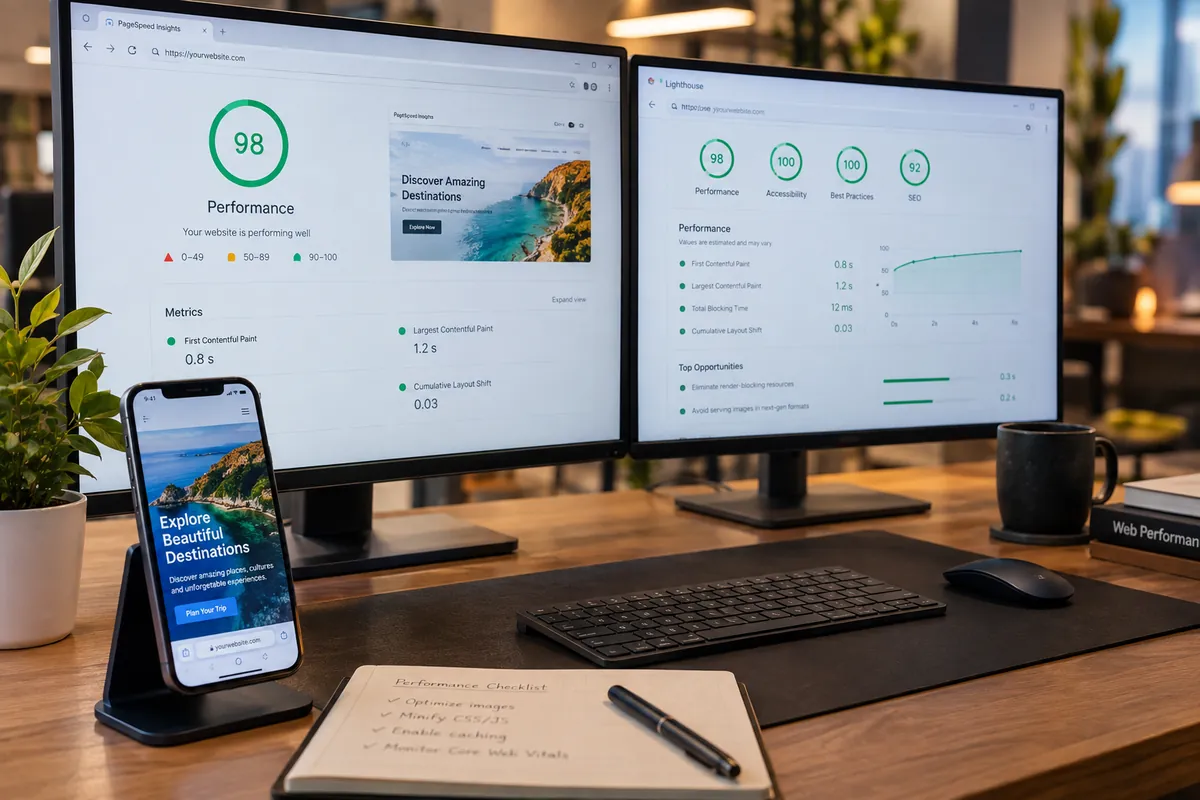
Measure loading, interaction and layout stability using field data where available. Google’s current Core Web Vitals guidance sets good thresholds at LCP within 2.5 seconds, INP at 200 milliseconds or less, and CLS at 0.1 or less for the 75th percentile. These are diagnostic targets, not a promise of ranking or conversion gains.
A large hero image, third-party widget or late-loading font can change the experience. Test important templates on mobile, identify the slowest element and fix the cause; a single synthetic score is not a complete picture.
4. One useful action on each important page
Choose a clear next step such as request a quote, book a consultation, call or view a product. Keep a form to the information needed for a response and confirm what happens after submission. Make phone links usable on mobile and give visitors a non-digital contact option where appropriate.
If a page has several audiences, present the most likely action first and keep secondary options visible without making them compete equally. A chatbot only helps when someone maintains it and it can route questions accurately.
5. Trust that can be checked
Show genuine team information, project descriptions, contact details, service boundaries and policies. Use customer names, logos, reviews or certifications only when they are real and you have permission to publish them. Explain the process and what a customer should expect instead of relying on unsupported superlatives.
A new business may not have a large portfolio yet. It can still build confidence with clear ownership, transparent pricing inputs, useful FAQs and a reliable way to get a human response. For implementation help, compare your requirements with Vaqnova’s website development service and ask which items belong in the scope.
6. Search foundations and connected pages
Give each page a descriptive title, a distinct purpose, a clear heading structure, useful link text and relevant images. Build pages around the questions and services customers actually need rather than repeating the same copy under different URLs. Structured data can describe eligible visible content, but it does not substitute for useful pages.
Link related services and guides where they help a reader continue. Our website redesign checklist covers the migration details that are easy to overlook.
8. Useful analytics and privacy
Measure the actions that matter to the business, such as completed enquiry forms, booked calls or product demonstrations. Verify that events fire once, name them clearly and review where visitors start and stop. Analytics can show patterns; it cannot explain a person’s motivation without further research.
Decide what data is necessary, who can access it and how long it is retained. Ask qualified counsel about privacy requirements that apply to your organization and audience; do not copy a generic consent banner without understanding the data flow.
9. Secure forms, hosting and backups
Use HTTPS, protect administrator access, validate form input and keep software dependencies current. Know where backups are stored and test that a restoration can work. Assign responsibility for updates instead of assuming a hosting provider covers every layer.
The implementation should fit the business’s risk and technical capacity. A brochure site and a portal storing sensitive user data need different safeguards, so document the data and access model before selecting tools.
10. An owner and a review rhythm
Name the person who can update services, check forms, review analytics and approve security changes. Put a recurring review on the calendar and include the site in launch checklists for new products or policy updates.
A site becomes stale when everyone assumes someone else owns it. A short responsibility list is more useful than a long feature wish list with no one assigned to maintain it. If organic search is one of your goals, Vaqnova’s SEO service can help align technical and content checks with that plan.
Summary
Key Takeaways
- Start with the visitor’s task and the business outcome.
- Test mobile performance, accessibility and forms on actual pages.
- Use real trust evidence and measure meaningful actions.
- Assign owners for content, security and ongoing maintenance.
FAQ
Frequently Asked Questions
Does every small business need a chatbot?
No. A clear contact route with a reliable response may serve visitors better. Add a chatbot only when it can answer common questions or route requests and someone will maintain its information.
How can I check whether my site is fast enough?
Review Core Web Vitals field data in Search Console when available and test key pages with PageSpeed Insights. Use lab tests to investigate changes, and field data to understand real visitor experience.
Should every page have the same call to action?
The next step should fit the page and visitor intent. A service page may invite a consultation, while a technical guide may link to a related resource before offering a sales conversation.
Does adding schema guarantee rich results?
No. Structured data must be valid and match visible page content, and eligibility does not guarantee that a search feature will appear.
Wrap-up
Final Thoughts
A strong business website helps the right visitor understand the offer, complete a task and trust what happens next. Audit those journeys first, then prioritize performance, accessibility, content and maintenance improvements that remove real friction.
References
Sources
Let's talk
Build Your Next Digital Product
Vaqnova can help assess your website’s visitor journeys, technical needs and next improvements.
Talk to Our Team